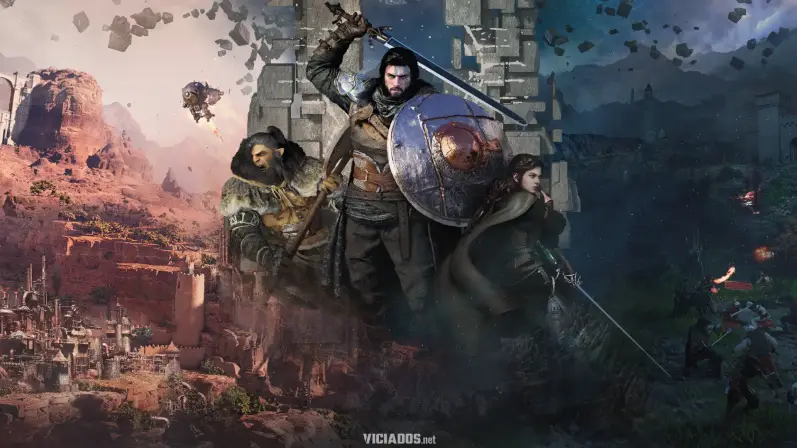
Crimson Desert has arrived on PlayStation 5, impressing players with the sheer scale of its open world, but also presenting technical challenges—so much so that it’s a strong contender for Game of the Year.
However, many players have noticed that, regardless of the graphics mode chosen, the image can appear blurry, a result of the implementation of FSR3 on the Sony console. If you want the best visual experience in Pywel, here are the definitive tips.
Here’s how to improve Crimson Desert’s graphics on PS5
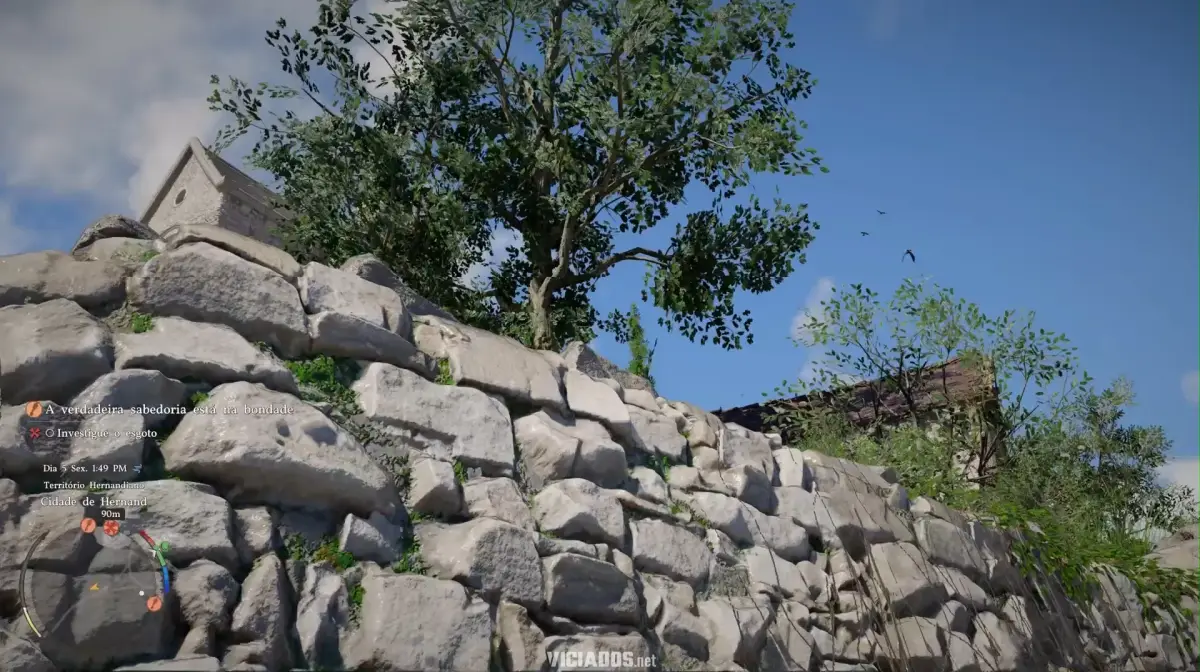
Crimson Desert offers three main settings:
- Performance: Focuses on native 1080p at 60 FPS.
- Balanced: Targets 40 FPS (ideal for 120Hz displays).
- Quality: Native 4K at 30 FPS with Ray Tracing set to high.
How to fix image blur?
One of Crimson Desert’s issues is visual “artifacts” when enabling 120Hz mode in console settings. The golden tip is to disable the 120Hz feature in the game’s own settings. Without it, sharpness improves dramatically in all modes that prioritize higher quality:
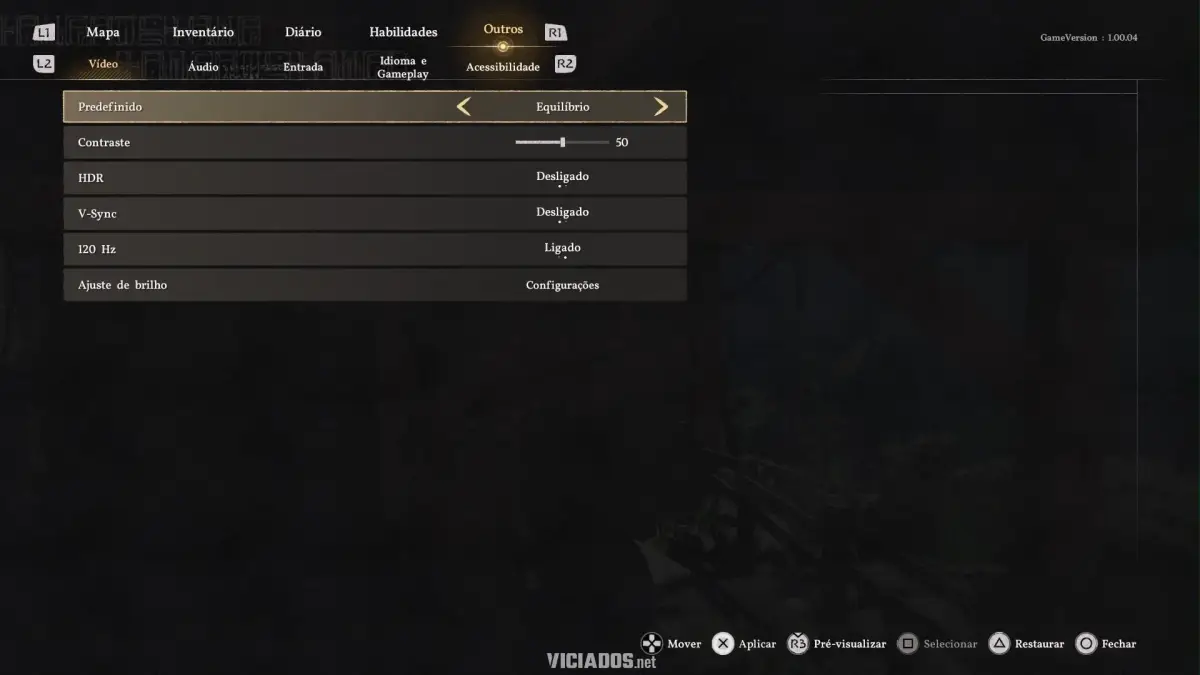
Additionally, for those seeking smoothness without sacrificing visuals, Balanced Mode with VSync turned out to be the best option in our tests, maintaining a frame rate close to 60 FPS with texture quality superior to the basic performance mode.
Also keep an eye out for the latest update, which has stabilized screen tearing on various monitors compatible with VRR or FreeSync.
Check out: GTA 6 | The biggest Grand Theft Auto VI fake news profiles you should ignore
Do you like the Viciados Portal? We count on your support! To receive updates, follow us on Google News, Google Discover, WhatsApp, and Telegram. Join the discussion on Facebook, X (Twitter), and Instagram!